check

check

check

check

check

check
For any CNC machine enthusiast, implementing limit switches on a Most Printed CNC (MPCNC) is a critical step towards achieving reliable, safe, and repeatable operation. These small but mighty components act as the machine's digital sentinels, defining the boundaries of its working area and preventing catastrophic crashes that can damage the machine, the workpiece, or the tool itself. While the MPCNC is designed to be a robust and accessible platform, integrating limit switches correctly requires careful planning, precise wiring, and proper software configuration. This guide walks through the essential steps and considerations for a successful setup.
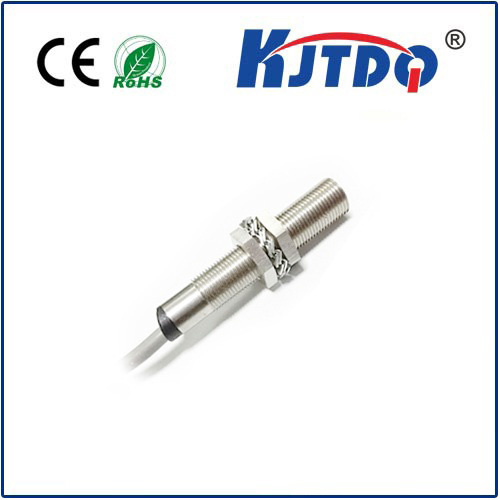
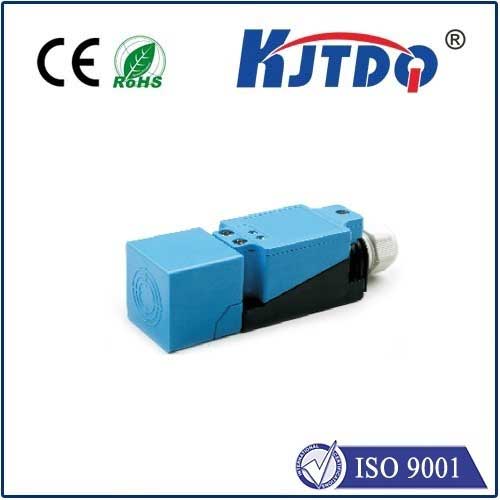
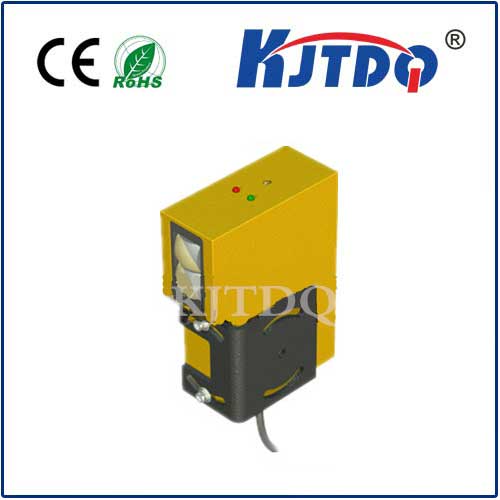
The primary function of a limit switch is to send a signal to the controller when a machine axis reaches a predefined physical limit. In a typical MPCNC setup, you will need at least one switch per axis, usually at the minimum (home) position. Many users opt for two switches per axis—one at the minimum and one at the maximum—for full travel protection. The most common types used are mechanical micro-switches or more durable and precise optical (IR) or magnetic (Hall effect) sensors. Mechanical switches are cost-effective and straightforward but can wear over time. Non-contact sensors offer higher reliability and faster response, which is beneficial for high-speed operations.
Wiring is the first practical hurdle. Limit switches are connected to dedicated input pins on your controller, such as a RAMPS board paired with an Arduino Mega, a popular choice for MPCCNC. It's crucial to understand the concept of "normally open" (NO) vs. "normally closed" (NC) circuits. A widely recommended best practice for safety is to use a normally closed (NC) wiring scheme. In this configuration, the circuit is complete under normal operation. If a switch is triggered, a wire breaks, or a connection comes loose, the circuit opens, which the controller interprets as a "stop" signal. This failsafe design means that a fault will halt the machine, whereas in a normally open setup, a broken wire might go undetected until a crash occurs.
The physical mounting of the switches demands precision. They must be positioned so that the machine's moving carriage or gantry reliably activates them at the exact desired point, without over-travel that could cause bending or skipping. Often, small brackets are printed or fabricated to hold the switch securely, while an actuator—like a bolt head or a printed tab—is mounted on the moving part to trip the switch. Consistency is key; the switch must be triggered at the same position every time to ensure accurate homing and limit detection.
After hardware installation, the software configuration within your CNC control software is paramount. In firmware like Marlin, you must define which pins the limit switches are connected to by uncommenting and setting the correct pin numbers in theconfiguration.h file. You will also enable features likeUSE_XMAX_PLUG,USE_YMAX_PLUG, etc., depending on your switch placement. Critically, you must set theX_MIN_ENDSTOP_INVERTING (and corresponding) settings totrue orfalse to match your chosen NC or NO wiring logic. Incorrect inversion settings will cause the controller to interpret a triggered switch as "normal" and vice versa.
Finally, thorough testing is non-negotiable. Before running any g-code, use your control interface (e.g., Pronterface, Universal G-Code Sender) to manually trigger each switch while moving an axis slowly. Observe the immediate machine halt. Then, command a homing routine to verify the machine moves to and accurately stops at each switch. Check for repeatability by homing multiple times. Properly configured limit switches not only prevent damage but also enable automated homing sequences, which are fundamental for establishing a consistent coordinate zero point for every job. Taking the time to implement them correctly transforms your MPCNC from a promising project into a dependable and professional-grade tool, safeguarding your investment and expanding its capabilities for complex and long-duration cuts.