

check

check

check

check
check
check
check
check

check

check
Check Material Cart Docking Status Directly on the Workstation Andon Board
KJT Wireless Limit Switch Application Solution
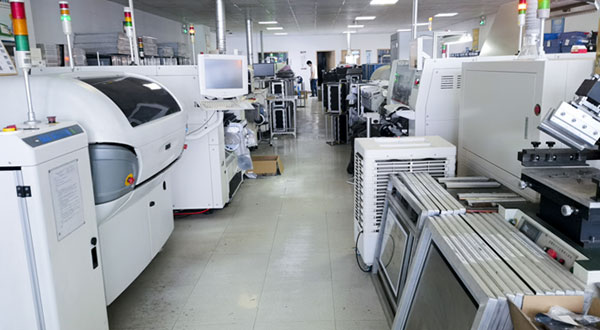
During assembly line material changeovers, logistics personnel need to know which workstations already have a material cart docked and which docking bays are vacant. Walking the floor to check manually results in wasted trips—while running hardwired cables to docking bays scattered along both sides of logistics aisles means every workstation reconfiguration requires costly rewiring.
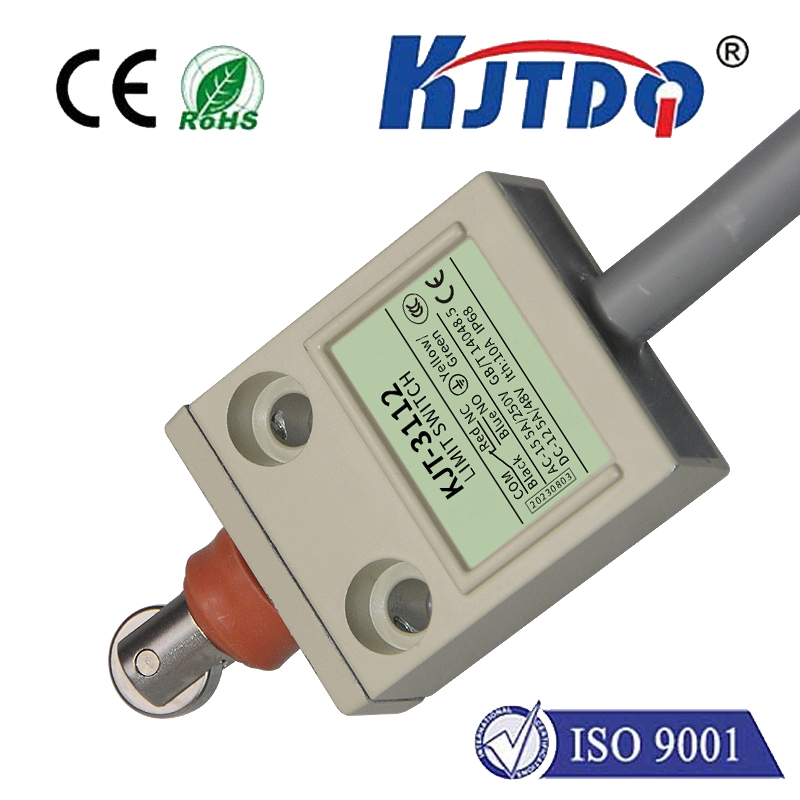
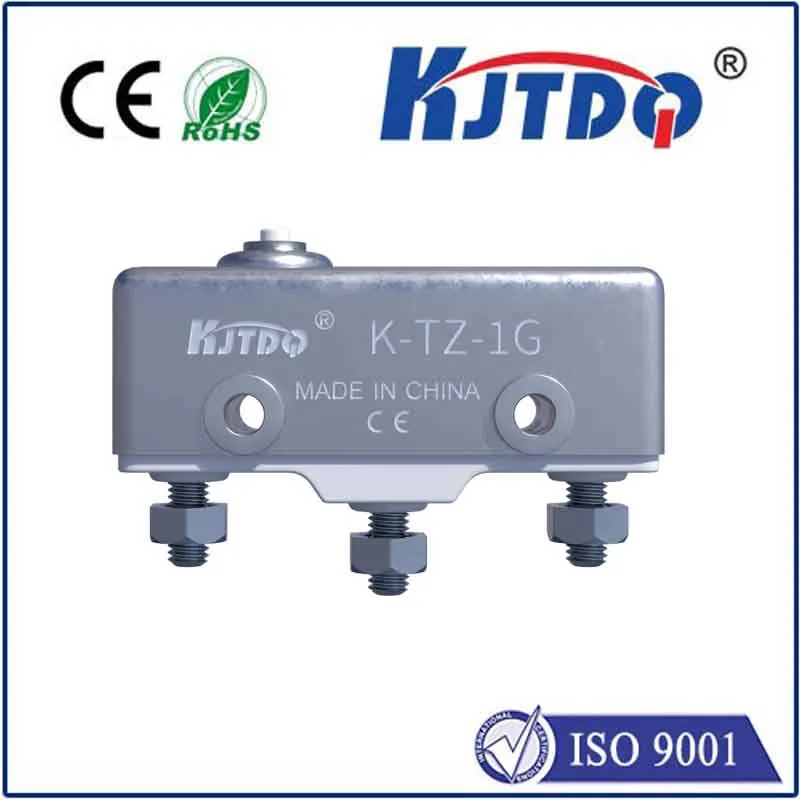
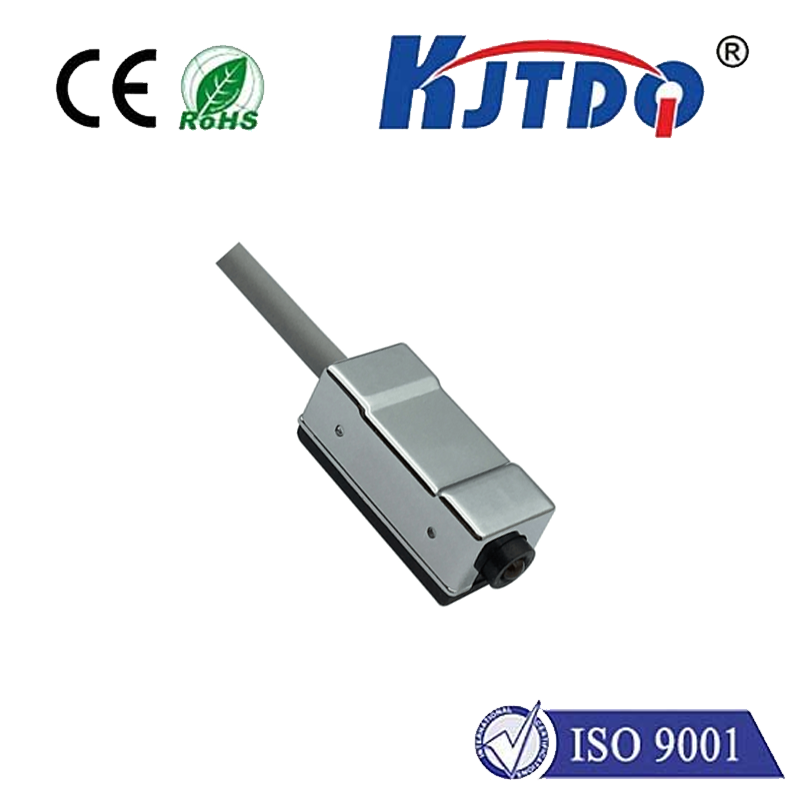
For these shop-floor environments, the KJT KJT47CSZK Series Wireless Limit Switch detects when a material cart reaches its docking position and transmits the status wirelessly to a central receiver. Logistics teams can view real-time docking availability across all stations directly on an Andon dashboard, eliminating repetitive manual checks.

Mount the limit switch on a side bracket at the docking bay and install a striker plate at the corresponding position on the material cart. When the cart comes to a stop, the striker plate holds the switch actuator depressed; once the cart is pulled away, the actuator automatically resets. Stopping impact is absorbed entirely by an independent mechanical stop—leaving the limit switch dedicated purely to position feedback.
The KJT47CSZK Series includes models such as KJT47CSZK-02, -04, -05, -07, and -08. Proper model selection and mounting placement depend on three key factors: the approach direction of the striker plate, available clearance for actuator travel, and positional stopping tolerance of the cart.
Each docking bay is mapped to a dedicated receiver channel. Once the receiver captures the switch status, the paired PLC updates the workstation Andon board accordingly. KJT offers receiver options with either discrete switching outputs or serial communication interfaces, matched to the specific switch model and existing site controller.
| Andon Board Status | Display Logic & Trigger Criteria |
| Docked | A valid actuated (triggered) signal is received for that specific bay. |
| Departed | A valid reset signal is received following a previously confirmed "Docked" state. |
| Unconfirmed | A communication anomaly occurs, or current status has not yet been verified following a power cycle. |
Key Design Principle: The absence of a signal does not automatically mean a bay is empty. Displaying "Unconfirmed" as a distinct status allows logistics operators to immediately tell which bays are genuinely open for replenishment versus which ones require physical verification.
During commissioning, push actual shop-floor carts into the bay from varying angles, bring them to a full stop, and pull them out—verifying that the switch actuates and resets reliably and updates the exact corresponding station on the Andon board. Re-test under full-rack conditions, passing vehicle traffic, and post-power-outage restarts to ensure metal obstructions or signal interruptions never cause the dashboard to falsely report a bay as vacant.
If your production line is adding new docking bays or reconfiguring material delivery routes, share your workstation layout, photos of your carts and striker plates, and existing PLC interfaces with KJT—we will match the optimal wireless limit switches, mounting hardware, and receiver configuration for your operation.