check

check

check

check

check

check
In the world of computer numerical control (CNC) machining, precision and repeatability are paramount. Every component plays a crucial role in ensuring the router operates within its designated boundaries, safeguarding both the machine and the workpiece. Among these critical components, CNC router limit switches stand as unsung heroes, providing essential feedback and control. This guide delves into the function, importance, and optimization of limit switches for your CNC router system.
At its core, a limit switch is a simple electromechanical device. It is strategically positioned at the physical extremes of a machine's axis of movement—typically the X, Y, and Z axes. When the machine's moving gantry, spindle, or table contacts the switch's actuator, it triggers a signal. This signal is immediately sent to the machine's controller, which halts motion in that specific direction. This fundamental action prevents the machine from attempting to move beyond its mechanical travel limits, which could cause catastrophic damage to drive screws, motors, linear guides, or the machine frame itself.
The primary function of these switches is hardware-based homing and limit detection. During a homing sequence, the machine deliberately moves each axis until it triggers the corresponding limit switch. This establishes a known, repeatable reference point (machine zero) from which all other coordinates are calculated. Without accurate homing via limit switches, the machine would have no reliable starting position, leading to misaligned cuts and potential collisions. Furthermore, they act as a fail-safe during normal operation. If a program error, software glitch, or mechanical fault causes the toolpath to exceed expected boundaries, the limit switch provides a physical stop, interrupting power to the drive motors.
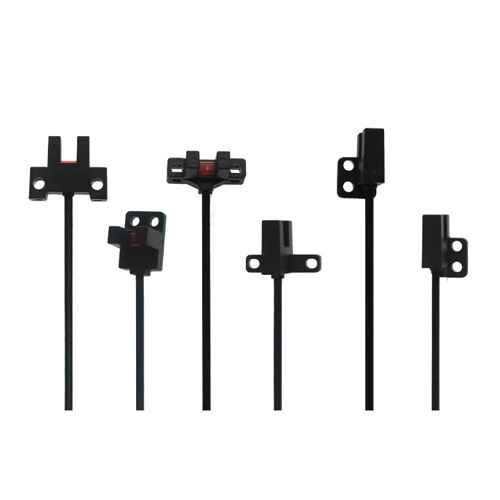
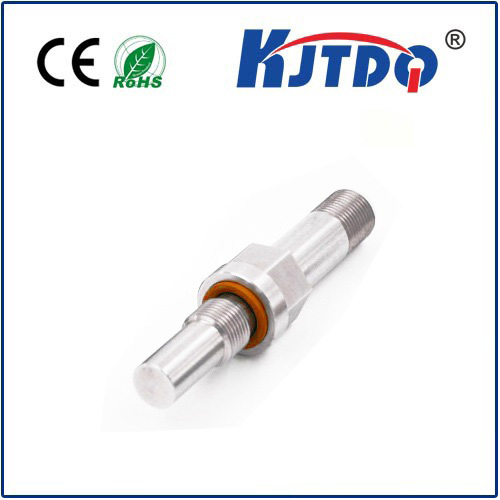
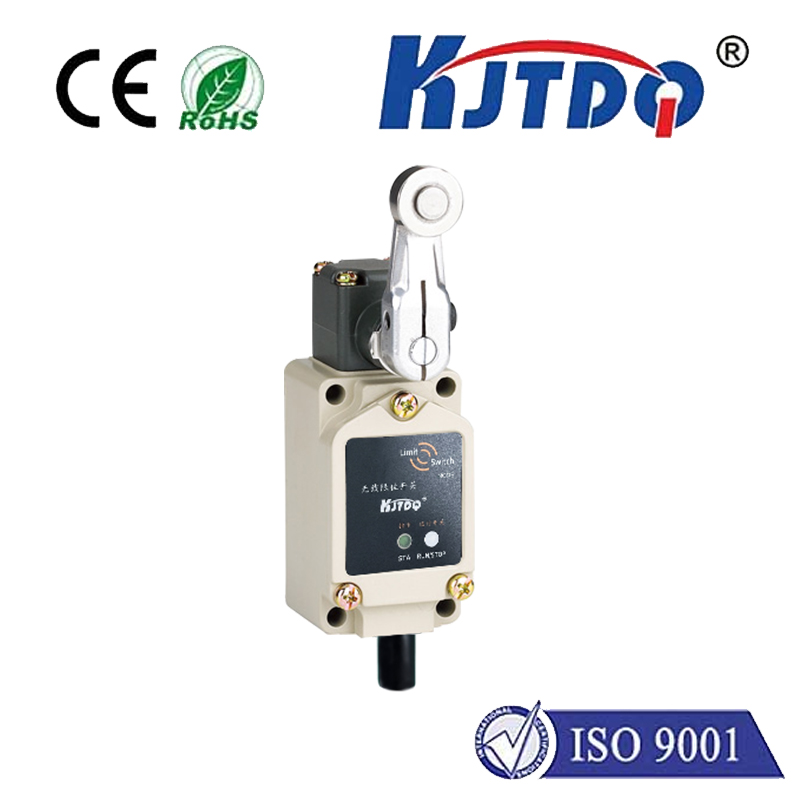
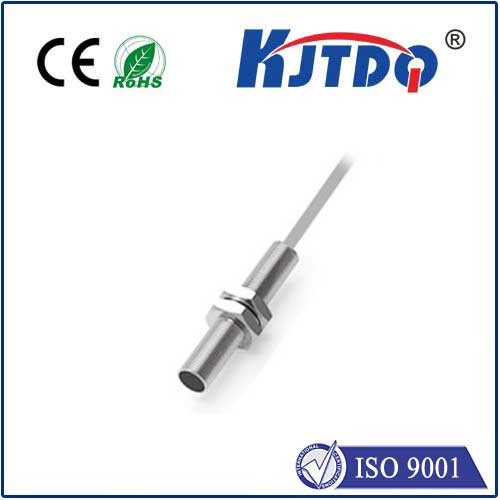
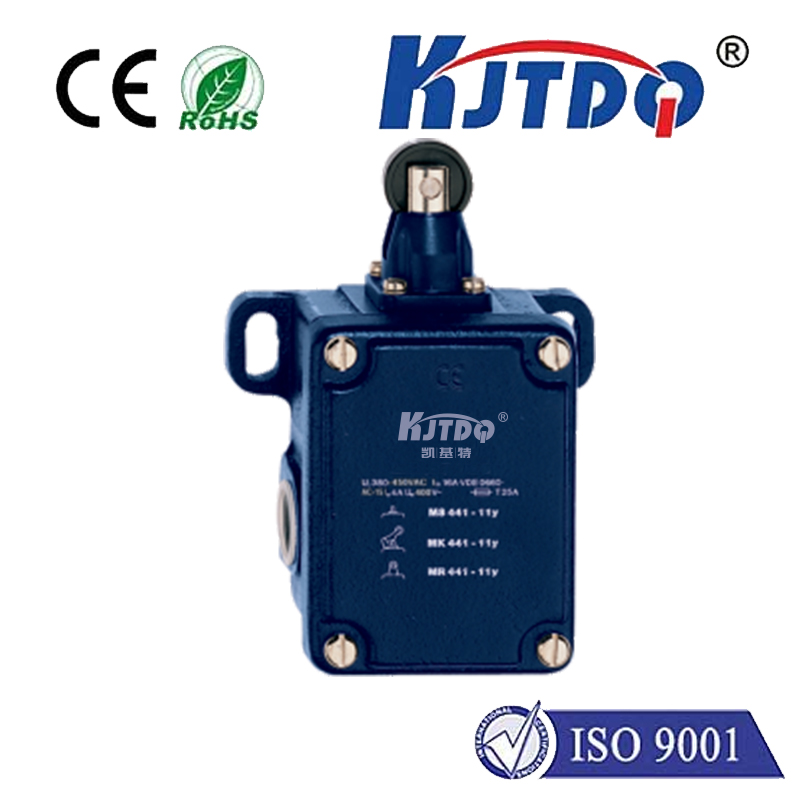
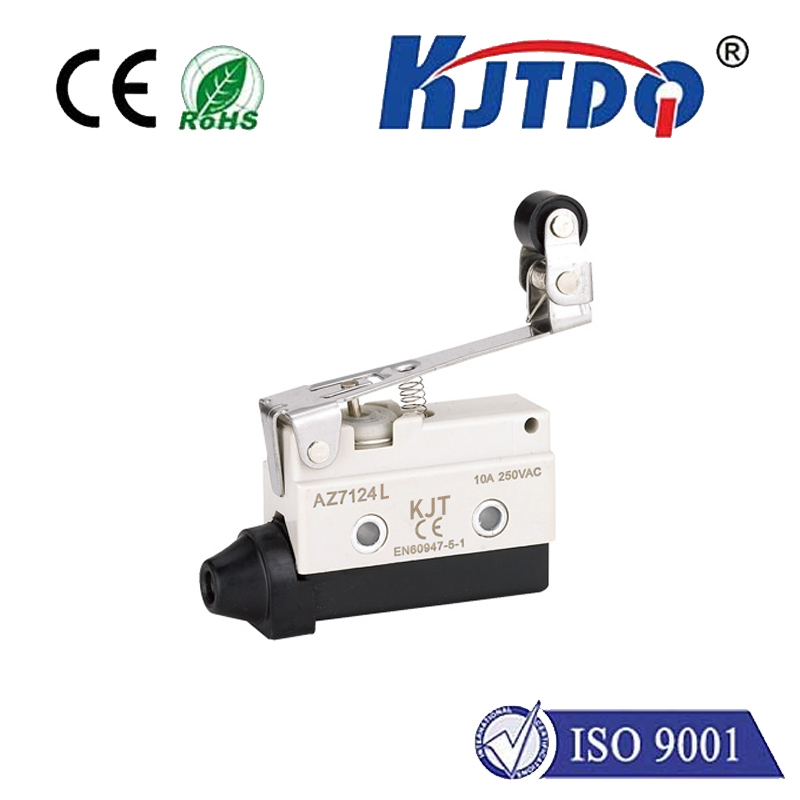
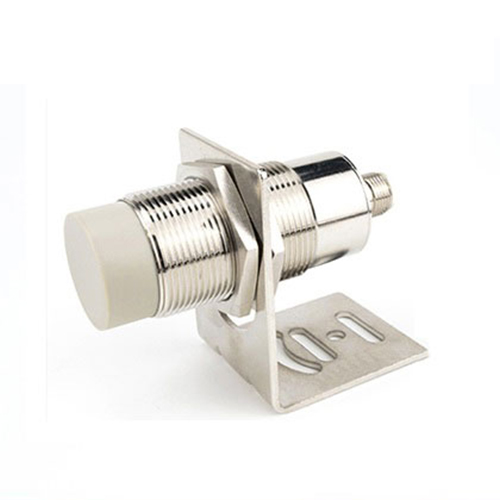
Several types of limit switches are commonly used in CNC routers. Mechanical micro-switches are cost-effective and widely used, featuring a physical lever or roller that is depressed upon contact. Proximity sensors, including inductive and capacitive types, offer non-contact detection. They are ideal for environments with dust and debris, as they have no moving parts to jam. Optical limit switches, using infrared beams, provide very fast and precise non-contact sensing but can be susceptible to interference from coolant, dust, or ambient light. The choice depends on your machine's design, required precision, operating environment, and budget.
Proper installation and calibration are non-negotiable for reliable operation. Switches must be mounted securely to prevent vibration from causing false triggers. The actuator must be positioned so that it engages reliably before the mechanical hard stop is reached, providing a buffer zone. Wiring should be shielded and routed away from power cables to minimize electromagnetic interference that could send erroneous signals to the controller. Regular maintenance is also simple but vital. Periodically check for physical damage, ensure actuators move freely, and clean optical or proximity sensors to maintain sensitivity.
Troubleshooting common issues often revolves around a few key symptoms. If the machine fails to home correctly or triggers a limit error immediately upon startup, the switch may be stuck in a triggered state due to mechanical binding, debris, or a wiring short. Intermittent faults can be caused by loose connections, failing switches, or electrical noise. Understanding your machine control software (like Mach3, GRBL, or LinuxCNC) is essential, as it allows you to monitor the status of each limit input and diagnose whether the problem is mechanical, electrical, or software-related.
Beyond basic limit protection, advanced users can leverage limit switches for enhanced functionality. By installing additional switches, you can define secondary soft limits within the controller software, creating a protected workspace. They can also be integrated into tool setting routines or used to trigger automated sequences. Ensuring your CNC router is equipped with reliable, well-configured limit switches is not an optional upgrade; it is a fundamental requirement for safe, accurate, and professional operation. They are a small investment that protects your much larger investment in the machine itself and guarantees the quality of your output.