check

check

check

check

check

check
For any 3D printing enthusiast using a Creality Ender 3, achieving that first perfect layer is a moment of triumph. However, inconsistencies in the initial layer height, often manifesting as a nozzle that's too close to or too far from the build plate, can be a persistent source of frustration. This common issue frequently traces back to one critical, yet sometimes overlooked, component: the Z axis limit switch. This small electromechanical device is the unsung hero responsible for telling your printer exactly where "home" is on the Z axis. When it functions correctly, it ensures the print head starts at a precise and repeatable height, laying the foundation for a successful print. When it fails or becomes unreliable, it can lead to a cascade of problems, from scratched build surfaces to complete print failures.
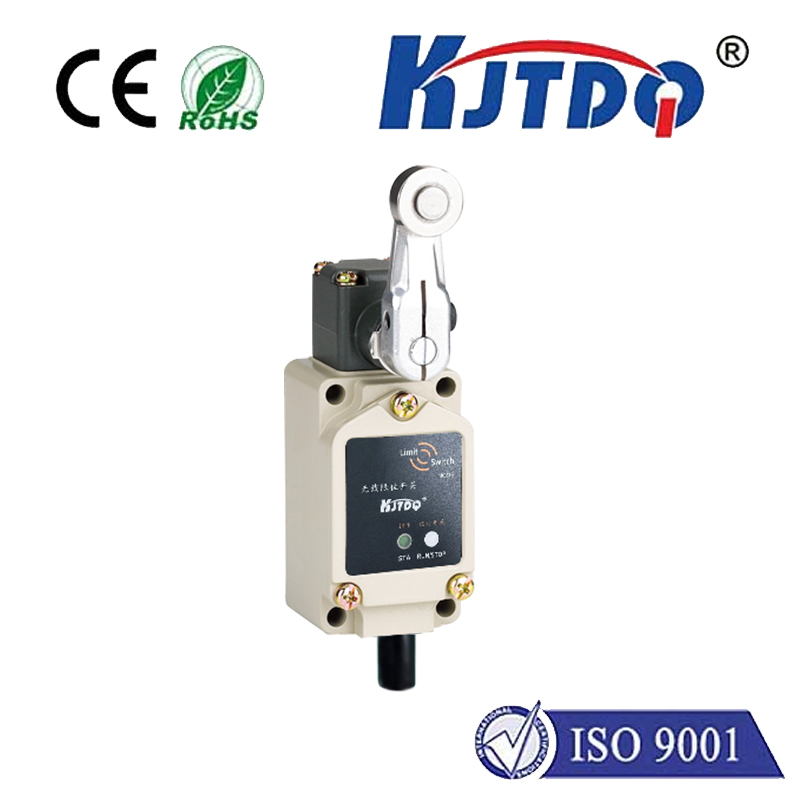
The stock Z axis limit switch on the Creality Ender 3 is a basic mechanical switch. It works by having a small metal arm that is physically pressed by the moving gantry as it lowers. When the arm is depressed, it triggers an electrical signal that tells the printer's control board to stop the Z axis motors. This establishes the Z=0 reference point. Over time, this mechanism can develop issues. Dust and debris can interfere with the switch's internal contacts. The metal arm can lose its spring tension or become bent. The mounting bracket can loosen slightly, shifting the entire switch's position by a fraction of a millimeter—a distance that makes a world of difference in 3D printing. These minor inconsistencies are often the root cause of unreliable first-layer adhesion.
Recognizing the signs of a failing or suboptimal Z limit switch is the first step toward a solution. If you find yourself constantly adjusting the Z-offset in your printer's firmware or via the control knob, especially between prints, the switch may be the culprit. Noises like a faint "click" that sounds different or inconsistent when homing can indicate internal wear. Visibly, if the switch's arm appears bent, loose, or if the housing is cracked, it's time for attention. Upgrading or properly maintaining this component is not just a repair; it's a proactive step towards greater print reliability and consistency.
For users ready to take control, several paths lead to improvement. The first and simplest is maintenance. Power off and unplug your Ender 3. Locate the Z limit switch, typically mounted on the left vertical extrusion. Check that the two mounting screws are tight. Gently inspect the metal arm for straightness and spring action. Use compressed air to blow out any plastic dust or debris from the switch housing. Sometimes, a simple cleaning and re-tightening can restore perfect function. If problems persist, consider a physical adjustment. You can slightly loosen the mounting screws and manually nudge the entire switch up or down by a tiny amount to fine-tune the home position before re-tightening.
For a more permanent upgrade, many users opt to replace the stock switch with a higher-quality mechanical switch from a reputable brand. These often feature a more robust housing, a more precise actuation point, and better internal components for long-term reliability. The installation process is straightforward: note the wiring order, remove the old switch, and install the new one in the same position, ensuring the wiring is correct. An even more advanced and popular upgrade is the installation of an automatic bed leveling (ABL) sensor, such as a BLTouch or CR-Touch. These probes replace the function of the Z limit switch entirely. They physically probe the bed at multiple points before each print, creating a detailed mesh map to compensate for any bed warping. This not only provides a supremely accurate Z-home but also automates bed leveling, arguably representing the ultimate evolution in first-layer consistency for the Ender 3.
Whether you choose maintenance, a direct replacement, or a leap to an ABL system, the goal is the same: to establish a flawless and trustworthy Z-axis zero point. Investing time in this fundamental calibration pays enormous dividends. It reduces material waste from failed prints, saves time on manual adjustments, and unlocks the full potential of your Creality Ender 3. By ensuring your Z axis limit switch is in optimal condition, you are not just fixing a minor part; you are solidifying the very foundation upon which every successful 3D print is built. Start with a solid home, and your printer will reward you with layer after layer of precision.