check

check

check

check

check

check
In the world of resin 3D printing, precision and reliability are paramount. The Elegoo Saturn has established itself as a formidable force in the desktop SLA printing arena, renowned for its large build volume and consistent output. At the heart of its dependable homing and layer calibration process lies a critical, yet often overlooked component: the limit switch. This small electromechanical device acts as the printer's tactile sentinel, defining the absolute zero point for the Z-axis. When the build plate descends during the initial auto-homing sequence, it gently presses against this switch, sending a definitive signal to the mainboard that the home position has been reached. This moment is crucial; it sets the foundational reference from which every single layer of your print is calculated. Without an accurately triggered limit switch, the entire coordinate system of the printer becomes unreliable, leading to a cascade of potential failures.
Understanding the function of the Elegoo Saturn limit switch is the first step toward mastering printer maintenance. Unlike optical or inductive sensors, this is typically a mechanical switch with a physical lever. The reliability of this design is its strength, but it also introduces points of wear. Over thousands of printing cycles, the constant actuation can lead to fatigue. Users might encounter issues where the printer fails to home correctly, displays Z-axis errors, or seems to grind against the top or bottom of its frame. These symptoms often point directly to a faulty or misaligned limit switch. The switch itself may become loose on its mounting bracket, the tiny metal lever inside might lose its spring tension, or electrical contacts within can wear out, causing intermittent signals. Recognizing these early signs—such as inconsistent first layer adhesion or the print head not stopping at the expected height—can prevent catastrophic print failures and potential damage to the linear rail or lead screw.
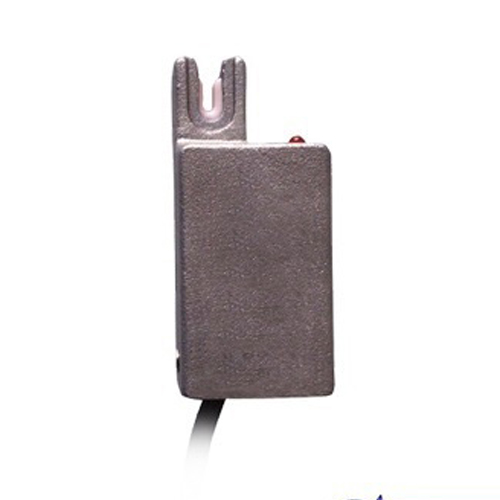
Proactive maintenance of the limit switch can significantly extend the operational life of your Elegoo Saturn. The process begins with a visual and physical inspection. Power down and unplug the printer completely. Locate the limit switch, usually housed in a small black box near the top of the Z-axis rail, behind the print head assembly. Gently check its mounting screws to ensure they are tight. Manually press the switch lever with your finger; you should hear a distinct, crisp click. Listen for this same click during the next auto-homing procedure. If the sound is absent or muffled, it indicates an issue. Cleaning is also vital. Resin dust, airborne particles, or occasional grease can interfere with the switch's mechanism. Using a can of compressed air to blow out any debris around the lever and contacts is a simple yet effective practice. Avoid using liquid cleaners directly on the switch to prevent internal damage.
When troubleshooting points to a failed switch, replacement is a straightforward and inexpensive task for most users. Elegoo provides excellent customer support and often supplies spare parts, including the limit switch. The replacement involves carefully disconnecting the small wiring connector (noting its orientation), removing the one or two mounting screws, and installing the new unit. It is imperative to re-seat the switch in the exact same position. Even a millimeter of deviation in its height can alter the home position, affecting the entire Z-axis calibration. After installation, perform a manual test by gently moving the build plate to trigger the switch before running a full auto-home. This verifies the mechanical action and electrical connection. Following replacement, a fresh Z-axis calibration is not just recommended, it is required to ensure the build plate is perfectly zeroed to the new switch's trigger point.
Optimizing your printer's performance goes beyond mere replacement. Ensuring the limit switch operates in a stable environment contributes to long-term accuracy. Secure the printer on a solid, vibration-free surface to prevent subtle shifts that could affect the homing repeatability. Regularly inspect the entire Z-axis assembly, including the lead screw and linear rails, for cleanliness and lubrication as per Elegoo's guidelines. A binding Z-axis can place additional strain on the switch during homing. Furthermore, integrating this component check into your routine pre-print checklist can save hours of frustration. A reliable limit switch is the unsung hero that guarantees your intricate, high-resolution models start from a perfect, known point, layer after layer, ensuring that the renowned precision of the Elegoo Saturn is fully realized in every print project.