check

check

check

check

check

check
For anyone diving into the world of electronics, Arduino projects, or DIY automation, understanding how to properly integrate components is crucial. Among these components, the humble limit switch plays a vital role in detecting the presence or absence of an object, defining the end of travel for a moving part, or providing safety interlocks. However, moving from a physical switch to a functional circuit within a software simulation can be a hurdle. This is where Fritzing, the popular open-source hardware initiative, becomes an indispensable tool. This guide focuses specifically on creating and utilizing a limit switch within Fritzing, bridging the gap between concept and circuit design.
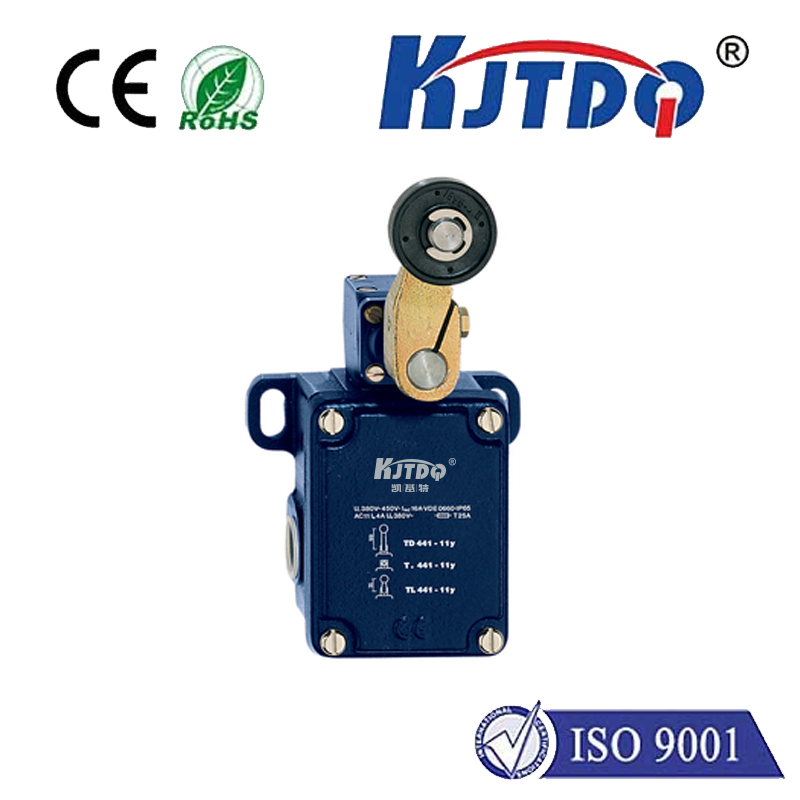
Fritzing excels at translating physical breadboard layouts into clear schematic diagrams and professional PCB designs. When working with a limit switch in Fritzing, the first step is locating the correct part. While Fritzing's core library includes basic switches, you might need to search the "Parts" palette for a specific limit switch model or a suitable generic lever-activated switch that mimics its function. If an exact match isn't available, the Fritzing community online is a treasure trove of custom parts. You can often find and import user-contributed limit switch components that closely resemble real-world models like the common KW12-3 or Omron D4C. Importing these custom parts ensures your Fritzing diagram accurately reflects your actual hardware.
Once you have your limit switch component in the Fritzing "My Parts" bin, the real design work begins. Drag the switch onto the Breadboard view. A typical limit switch for microcontroller projects has three terminals: Common (COM), Normally Open (NO), and Normally Closed (NC). In Fritzing, the component's pins will be labeled accordingly. For a basic detection circuit, you'll connect the COM pin to your microcontroller's digital input pin (e.g., Arduino Pin 2). Then, connect the NO pin to the 5V (or 3.3V) rail on your breadboard. Finally, a pull-down resistor (e.g., 10k ohm) should connect the same digital input pin to the ground (GND) rail. This configuration ensures the input pin reads LOW when the switch is not activated (open) and reads HIGH when the switch's actuator is pressed, closing the circuit between COM and NO.
The power of Fritzing shines when you switch to the Schematic view. Here, your breadboard connections are transformed into a standardized electrical diagram. This view helps you verify the logical correctness of your circuit, ensuring the limit switch is integrated properly with the power supply and the microcontroller's input pin with its necessary pull-down resistor. It provides a clean, professional representation of the circuit logic that is essential for documentation or sharing your project with others.
After perfecting your schematic, you can proceed to the PCB view to design a custom printed circuit board. Fritzing allows you to arrange the components and route the traces between the limit switch's footprint, the microcontroller header, and other supporting elements. This is particularly useful if your project requires a robust, permanent installation involving limit switches, such as in a CNC machine, a 3D printer end-stop, or an automated garage door controller. Designing the PCB in Fritzing ensures all connections you tested in the breadboard and schematic phases are faithfully reproduced for manufacturing.
Beyond simple diagrams, using a limit switch in Fritzing facilitates better code planning. By visualizing the circuit, you can accurately write the accompanying Arduino code. The code typically involves setting the connected pin as an INPUT in thesetup() function and then reading its state (digitalRead) in theloop() function to trigger actions. Clear visualization prevents wiring mistakes that lead to debugging headaches. Furthermore, a well-documented Fritzing diagram, complete with a limit switch, is a hallmark of a professional and shareable project. It allows other makers to replicate your work accurately, fostering collaboration and innovation within the community. Whether you are a student, hobbyist, or professional engineer, mastering the representation of fundamental components like the limit switch in Fritzing significantly enhances your electronics prototyping workflow, from initial idea to finalized design.