check

check

check

check

check

check
In the world of CNC machining, precision and safety are paramount. GRBL, an open-source firmware for controlling CNC machines, relies heavily on limit switches to ensure these aspects. A GRBL limit switch acts as a critical safety device, preventing the machine from moving beyond its physical boundaries, which could lead to damage or accidents. This guide delves into the importance, setup, and optimization of limit switches in GRBL-based systems, offering practical insights for hobbyists and professionals alike.
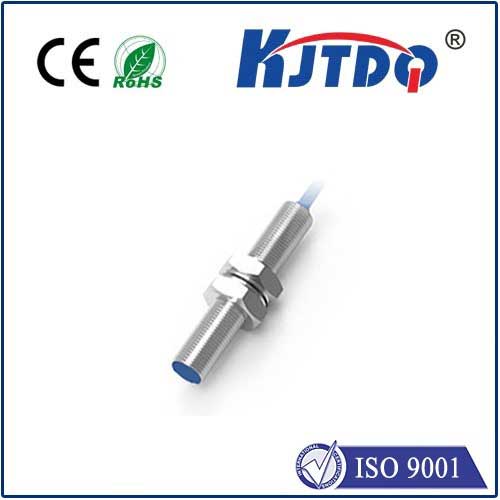
Limit switches are simple electromechanical devices that send a signal to the controller when a machine axis reaches a predefined point. In GRBL, these switches are configured as endstops, triggering an immediate halt or reversal of motion. Without them, a CNC router or mill might crash into its frame, causing costly repairs or downtime. For instance, in a typical 3-axis setup, switches are placed at the minimum and maximum ends of the X, Y, and Z axes. When the machine hits a switch, GRBL interprets the signal and stops the corresponding motor, safeguarding both the hardware and workpiece.
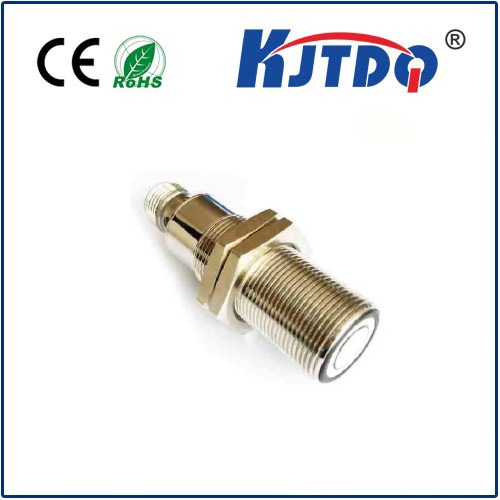
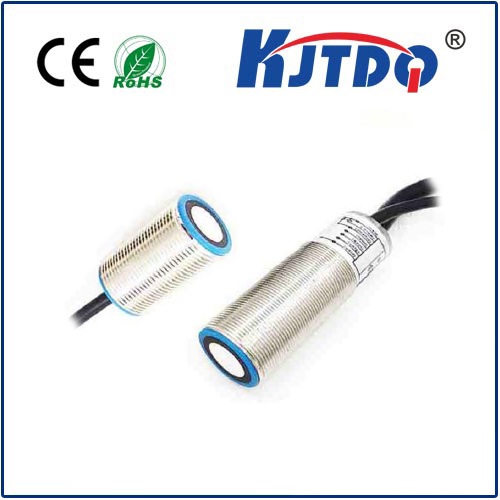
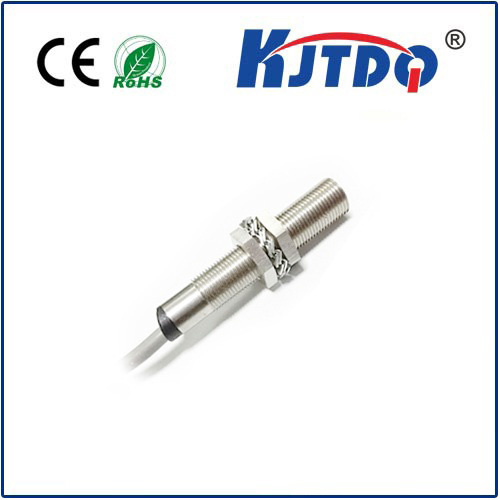
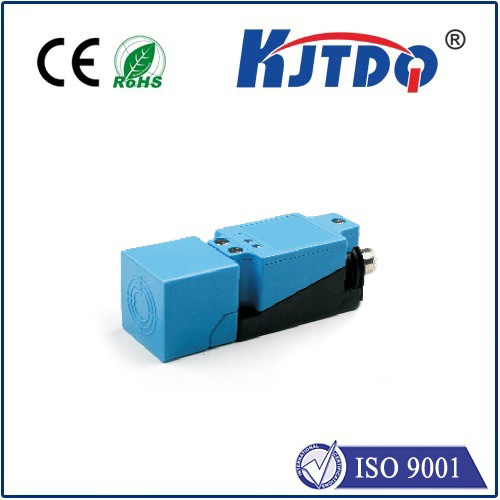
Setting up GRBL limit switches involves hardware installation and software configuration. First, choose reliable switches—options include mechanical, optical, or magnetic types, each with pros and cons. Mechanical switches are affordable and durable but may wear over time, while optical switches offer higher precision without physical contact. Connect the switches to the GRBL controller board, typically an Arduino running GRBL firmware, ensuring proper wiring to avoid false triggers. In GRBL settings, enable limit pins by adjusting parameters like $21 for homing cycle enable and $22 for homing direction invert. Calibration is key: after mounting switches, test each axis by manually moving the machine to trigger them, verifying that GRBL responds correctly in software like Universal G-Code Sender.
Optimizing limit switch performance can enhance CNC efficiency. Debounce settings in GRBL (e.g., parameter $25) help filter out electrical noise, reducing false stops. For homing cycles, configure switches to establish a consistent reference point; this improves repeatability in jobs. Regular maintenance, such as cleaning switch contacts and checking alignment, prevents malfunctions. In advanced setups, users integrate limit switches with GRBL’s soft limits feature, which uses software boundaries to complement physical switches, adding an extra layer of control.
Common issues with GRBL limit switches include false triggering due to wiring interference or incorrect voltage levels. To troubleshoot, inspect connections for loose wires or shorts, and ensure the controller’s input voltage matches the switch specifications. If switches fail to trigger, check GRBL’s pin mappings in the configuration file. For noisy environments, shielded cables or ferrite beads can minimize interference. Remember, a well-tuned limit switch system not only prevents crashes but also boosts confidence in automated operations, allowing for unattended runs in workshops.
In summary, GRBL limit switches are indispensable for safe and accurate CNC machining. They provide a fail-safe mechanism that aligns with GRBL’s robust control capabilities. By following best practices in selection, installation, and tuning, users can maximize machine uptime and precision. Whether you’re building a DIY CNC router or maintaining an industrial mill, investing time in limit switch setup pays off in reduced risks and smoother workflows. Embrace this technology to unlock the full potential of your GRBL-driven projects, ensuring every cut meets exact specifications without compromise.