check

check

check

check

check

check
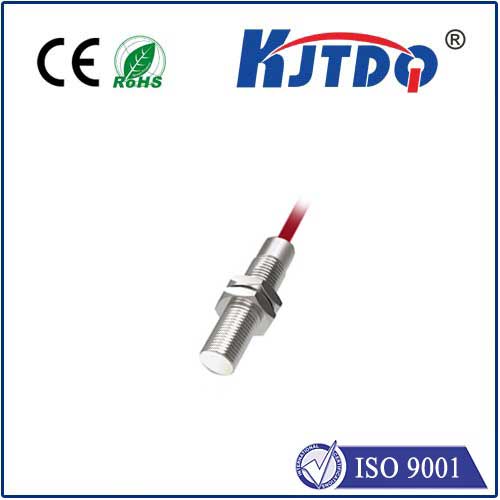
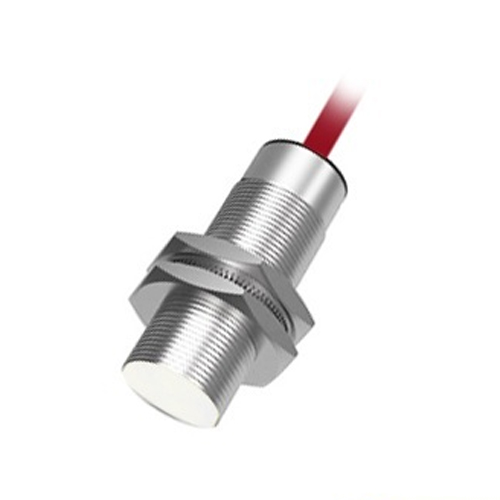
In the world of modern electronics, proximity sensors play a crucial role in enabling seamless user interactions with devices like smartphones, tablets, and industrial equipment. These sensors detect the presence or absence of nearby objects without physical contact, often used to turn off screens during calls or trigger automated processes. However, over time, proximity sensors can accumulate dust, software glitches, or calibration issues, leading to malfunctions such as unresponsive screens or false triggers. Flushing the proximity sensor—referring to the process of clearing its cache, recalibrating it, or physically cleaning it—can restore its accuracy and extend device longevity.
To begin flushing a proximity sensor, first identify the type: capacitive, inductive, or infrared sensors each require slightly different approaches. For most consumer devices, a soft reset or cache clear via settings menus is the initial step. On Android or iOS, navigating to system settings and resetting sensor data can often resolve minor software conflicts. For persistent issues, specialized calibration apps or manufacturer diagnostic tools may be necessary to recalibrate the sensor’s sensitivity thresholds. In industrial settings, flushing might involve using compressed air to remove debris or following OEM guidelines for maintenance cycles.
Physical cleaning is another key aspect, especially for sensors exposed to environments with dust or moisture. Gently wiping the sensor area with a microfiber cloth—avoiding liquids that could damage internal components—can improve detection. For embedded sensors, ensure no screen protectors or cases obstruct the sensor’s field. Regular maintenance, such as updating device firmware and avoiding extreme temperatures, helps prevent future problems. By flushing proximity sensors proactively, users can enhance reliability, reduce energy consumption, and ensure safety in applications like automotive systems or smart home devices.
Ultimately, understanding how to flush a proximity sensor empowers users to maintain peak device performance. Whether for personal gadgets or complex machinery, this simple practice underscores the importance of sensor health in our increasingly automated world.