check

check

check

check

check

check
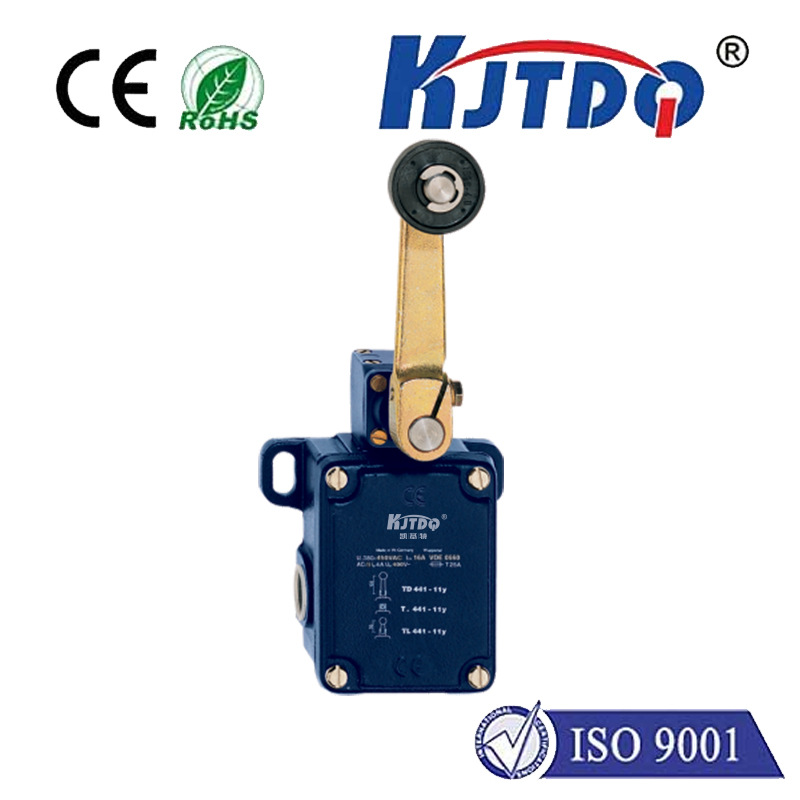
Connecting a limit switch to an Arduino opens up a world of possibilities for automation, robotics, and safety mechanisms. A limit switch is a simple electromechanical device that detects the presence or absence of an object, or monitors the boundaries of motion. When paired with an Arduino microcontroller, it becomes a powerful tool for controlling projects with precision. This guide walks you through the basics of integrating a limit switch with Arduino, from wiring to programming, ensuring you can implement it effectively in your own creations.
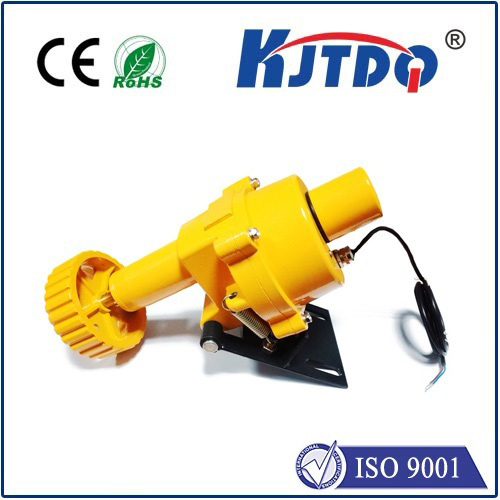
First, let's understand the components. A typical limit switch has three terminals: common (COM), normally open (NO), and normally closed (NC). In most Arduino projects, we use the NO or NC configuration to detect when a switch is activated—for instance, when a moving part hits the switch. The Arduino reads this as a digital signal, either HIGH or LOW, depending on your wiring setup. To get started, you'll need an Arduino board (like the Uno), a limit switch, jumper wires, and a resistor (usually 10k ohms for pull-up or pull-down configurations).
Wiring the limit switch to Arduino is straightforward. Connect one terminal of the switch to the Arduino's 5V pin, and the other terminal to a digital input pin (e.g., pin 2). Then, add a pull-down resistor between the input pin and ground to ensure a stable LOW signal when the switch is open. When the switch is pressed, the circuit closes, sending a HIGH signal to the Arduino. This setup prevents floating signals that could cause erratic behavior. Double-check your connections to avoid short circuits, and use a breadboard for testing if needed.
Next, programming the Arduino to respond to the limit switch involves writing a simple sketch. In the Arduino IDE, set up the digital pin as an input in thesetup() function. Then, in theloop() function, usedigitalRead() to monitor the pin's state. For example, if the switch is pressed, you might trigger an action like stopping a motor, turning on an LED, or sending a serial message. Debouncing code can be added to filter out noise from mechanical switches, ensuring reliable detection. Here's a basic code snippet:
``cpp
const int switchPin = 2;
void setup() {
pinMode(switchPin, INPUT);
Serial.begin(9600);
}
void loop() {
int switchState = digitalRead(switchPin);
if (switchState == HIGH) {
Serial.println("Limit switch activated!");
// Add your action here
}
delay(50);
}
``
Applications for limit switches with Arduino are vast. In robotics, they can define the end positions of a servo or stepper motor, preventing damage from over-travel. In home automation, they might secure doors or windows, triggering alerts when opened. Industrial prototypes use them for safety cut-offs in machinery. By experimenting with multiple switches, you can create complex control systems, such as bidirectional limits for linear actuators.
Troubleshooting common issues ensures smooth operation. If the Arduino doesn't detect the switch, verify wiring and resistor values. Mechanical switches can wear out over time, so consider using optical or magnetic sensors for high-cycle projects. Always test your setup in a controlled environment before deployment. With practice, you'll find limit switches to be reliable components that enhance Arduino projects with real-world feedback.
In summary, integrating a limit switch with Arduino is an accessible skill for makers and engineers. It bridges digital control with physical interactions, enabling smarter, safer designs. Start with simple circuits, refine your code, and explore advanced setups to unlock the full potential of your projects.