check

check

check

check

check

check
Integrating a limit switch with a stepper motor using an Arduino is a fundamental skill for building precise and reliable automated systems. This combination is crucial in applications like 3D printers, CNC machines, and robotic arms, where defining physical boundaries and establishing a known "home" position is essential for repeatable accuracy. The limit switch acts as a simple sensor, providing a digital signal to the Arduino when a moving part contacts it. The Arduino, acting as the brain, can then stop the stepper motor or initiate a homing sequence, preventing damage from over-travel and ensuring consistent operation.
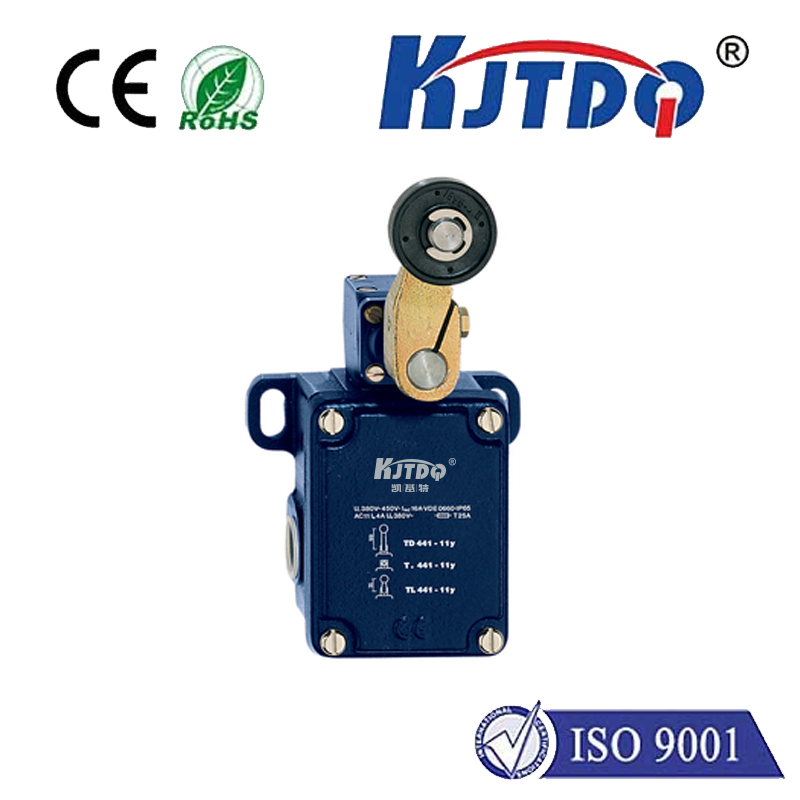
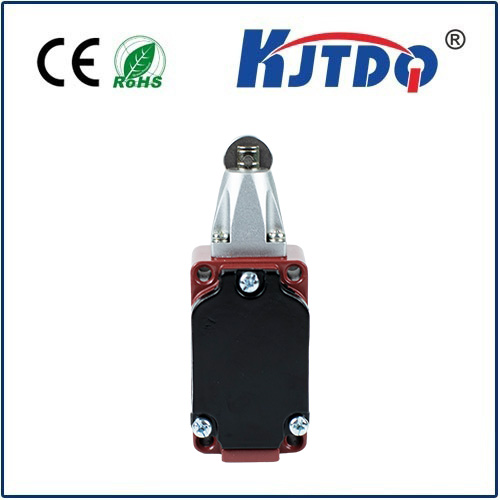
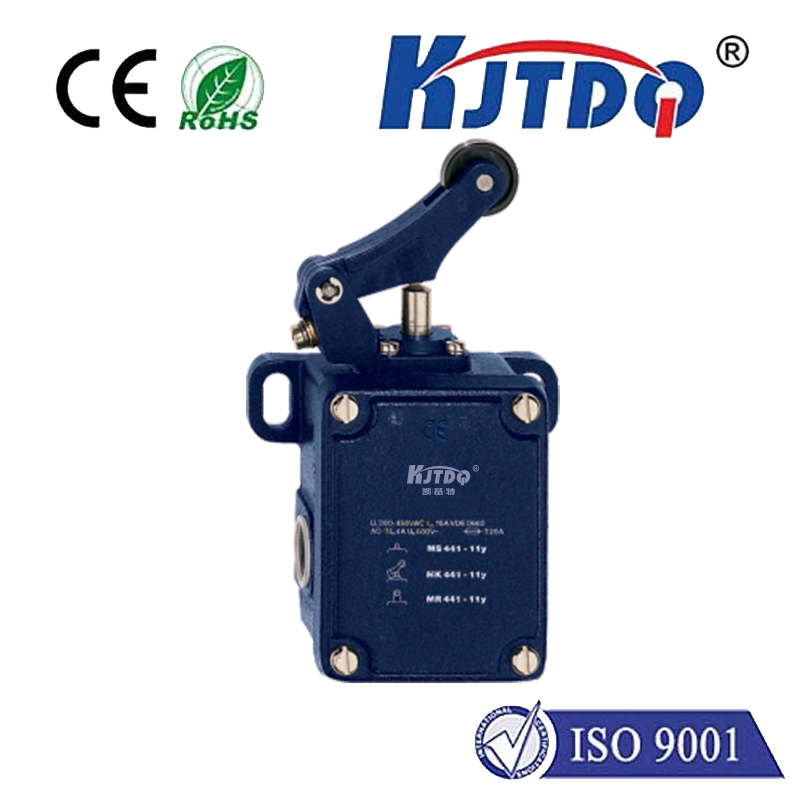
The core components needed are an Arduino board (Uno or Nano are excellent choices), a stepper motor with a compatible driver (like the common A4988 or DRV8825 modules), a limit switch (typically a mechanical lever or plunger type), jumper wires, and a suitable power supply for the motor. The wiring is straightforward. The stepper motor driver connects to the Arduino's digital pins for step and direction control, and to the motor's coils. The limit switch has three terminals: common (COM), normally open (NO), and normally closed (NC). For a basic active-low configuration, connect the COM terminal to the Arduino's ground (GND) and the NO terminal to a digital input pin (e.g., pin 2). A pull-up resistor (either the Arduino's internal one or an external 10kΩ resistor) is used to keep the input at a HIGH logic level when the switch is not pressed.
The programming logic revolves around continuously reading the state of the limit switch pin while the motor is in motion. In the setup() function, you initialize the stepper motor pins as outputs and the limit switch pin as an INPUT_PULLUP to engage the internal pull-up resistor. In the loop() or within a specific movement function, you command the motor to move. Before each step pulse is sent, the code checks the digital state of the limit switch pin using digitalRead(). When the switch is not activated, the pin reads HIGH. When the moving part presses the switch, the circuit closes to ground, and the pin reads LOW.
Upon detecting a LOW signal, the program must immediately halt the stepper motor. This can be done by simply stopping the step pulses in a while loop or by setting the step pin to LOW and exiting the movement function. A more advanced implementation involves a homing routine. Here, the motor is slowly driven in one direction until the limit switch is triggered. This position is then defined as the "home" or zero reference point. After homing, the system can move accurately to any other position with the confidence that it starts from a known, repeatable location. This eliminates cumulative positional errors.
A critical consideration is switch "bouncing," where the mechanical contacts physically vibrate for a few milliseconds upon contact, causing the Arduino to read multiple rapid HIGH-LOW transitions. This can lead to erratic behavior. Implementing a simple software debounce delay of 10-50 milliseconds after the first detected trigger effectively filters out this noise, ensuring a single, clean signal is registered. For higher reliability, especially in industrial environments, optical or hall-effect sensors can be used as non-contact limit switches, but the fundamental Arduino interface principle remains the same.
Testing and calibration are vital steps. After uploading the initial code, manually press the limit switch and monitor the Arduino's serial monitor to confirm the pin state changes correctly. Then, run a slow motor movement towards the switch. Observe that the motor stops consistently at the point of contact. Fine-tune the switch's physical placement and the debounce delay in the code for optimal performance. This simple yet powerful feedback mechanism transforms an open-loop stepper system into a more robust closed-loop one, greatly enhancing the safety and precision of any Arduino-based motion control project.