check

check

check

check

check

check
For any Haas machine operator or maintenance technician, encountering a Y-axis limit switch error can bring production to a sudden, frustrating halt. The Y-axis limit switch is a critical safety and positioning component, acting as a sentinel to prevent the machine's table or spindle from traveling beyond its designed physical boundaries. Understanding its function, proper installation, and common troubleshooting steps is essential for minimizing downtime and ensuring the longevity and precision of your Haas machining center.
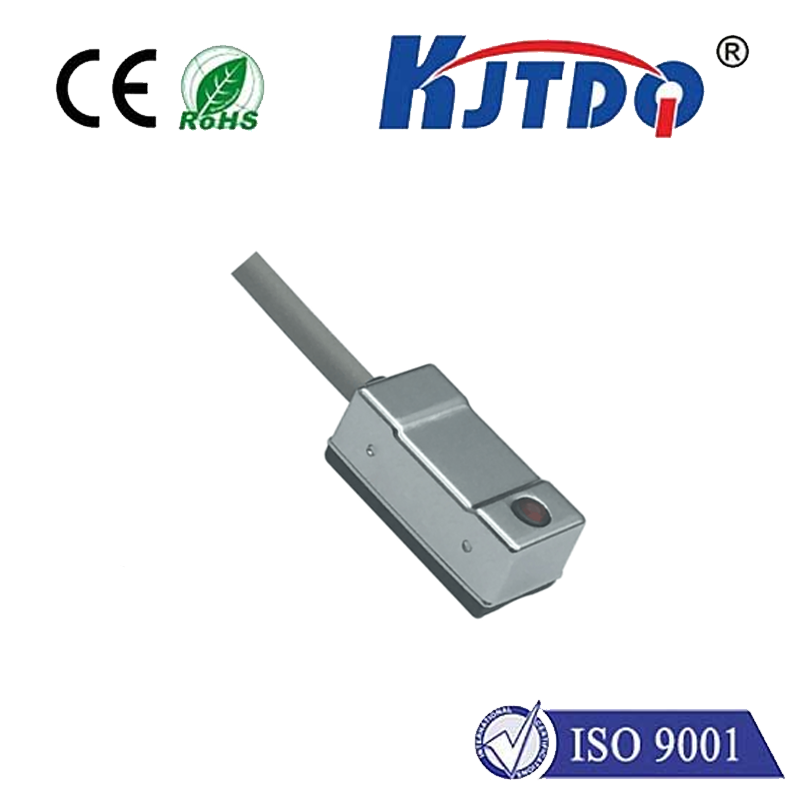
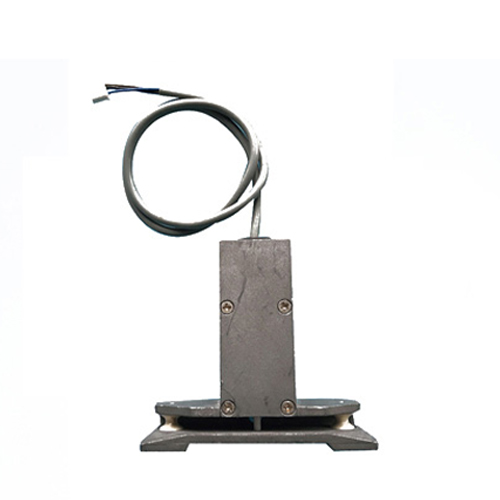
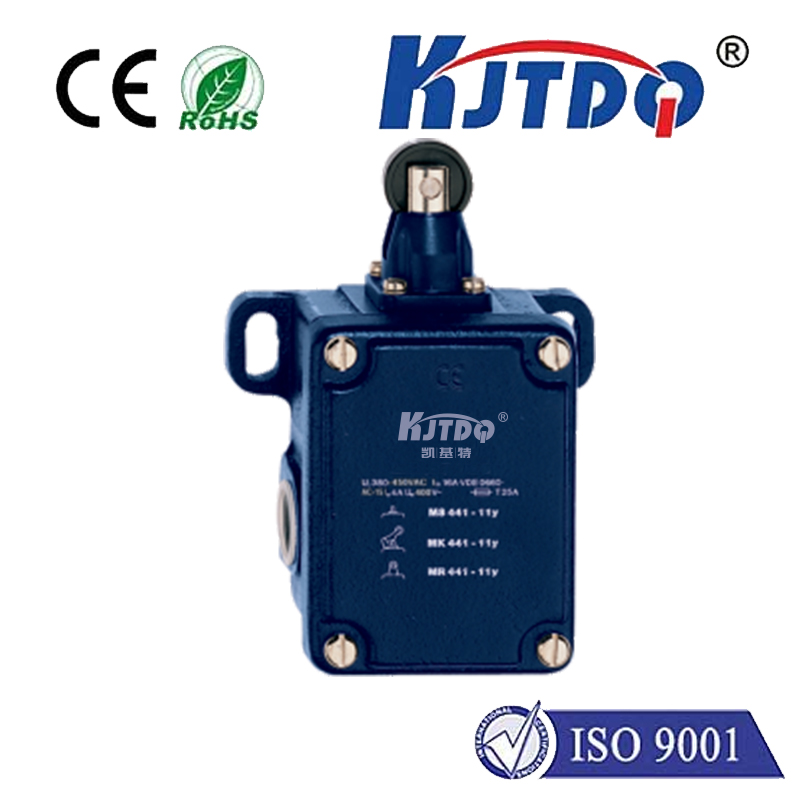
The primary role of the limit switch on the Y-axis is to define the machine's travel envelope. It sends a signal to the machine control (CNC) when the moving components reach a pre-set point, instructing it to stop or reverse direction. This prevents catastrophic collisions that could damage the machine structure, ball screws, way covers, or the workpiece itself. On Haas machines, these switches are typically robust, electromechanical devices, though some newer models may employ proximity sensors. They are strategically mounted on the machine's casting, with a dog or actuator mounted on the moving table or saddle to trigger the switch at the correct moment.
Proper installation is paramount. If you are replacing a faulty Y-axis limit switch, first ensure the machine is powered down and locked out. Carefully note the wiring of the old switch—taking photos can be helpful—before disconnecting it. Mount the new switch in the exact same location and orientation. Even a slight misalignment can cause premature triggering or a failure to trigger at all. The activating dog must be adjusted so it cleanly engages the switch lever or passes within the sensing range of a proximity switch without applying excessive force. After installation, manually jog the machine slowly towards the limit switch to verify it activates correctly before running any programs. Always consult your specific Haas machine manual for the precise procedure and part numbers, as details can vary between models like VF Series, DT/DM, or older models.
When a Y-axis limit switch alarm appears on the control panel, a systematic approach to troubleshooting is key. The most common error messages relate to a trip during operation or a failure to make contact during machine homing. Begin with a visual inspection. Look for physical damage to the switch housing or lever. Check for loose mounting bolts or a misaligned activating dog that may have shifted. Next, inspect the wiring harness for any signs of pinching, fraying, or disconnected cables, especially near points of constant flexing.
Electrical testing is the next step. Using a multimeter, you can check for continuity in the switch itself. With the switch in its normal (un-tripped) state, the circuit should be open or closed depending on its design (normally open or normally closed). Actuate the switch by hand; the multimeter reading should change, indicating the internal mechanism is working. If the switch tests fine, the issue may lie in the connection to the machine's I/O board or, less commonly, in the control itself. Debris like metal chips, coolant, or oil is a frequent culprit. These contaminants can infiltrate the switch, causing it to stick or preventing proper electrical contact. Carefully clean the switch and the surrounding area with an appropriate electrical contact cleaner.
Preventive maintenance can drastically reduce limit switch failures. Incorporate regular checks into your weekly or monthly schedule. Wipe down the switch and actuator to remove accumulated grime and check for secure mounting. Listen for unusual sounds when the axis homes; a crisp "click" is normal, while a sluggish or grinding sound indicates potential problems. Ensuring way covers and bellows are intact will help keep chips and coolant away from these sensitive components.
While the Haas Y-axis limit switch is a relatively simple device, its importance cannot be overstated. A properly functioning switch safeguards your machine's mechanical integrity and ensures consistent, accurate homing—a fundamental requirement for precise machining. By following correct installation practices, employing logical troubleshooting, and maintaining a clean machine environment, you can keep this vital component operating reliably, protecting your investment and keeping your shop floor productive.